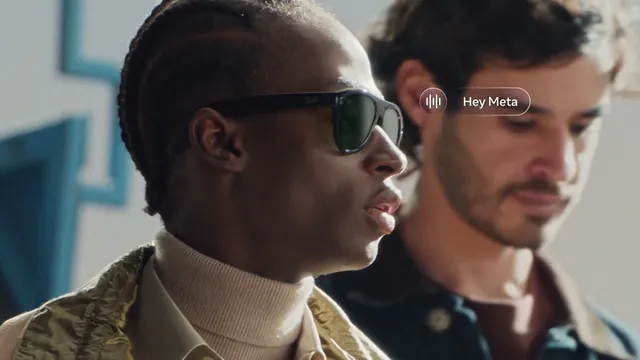
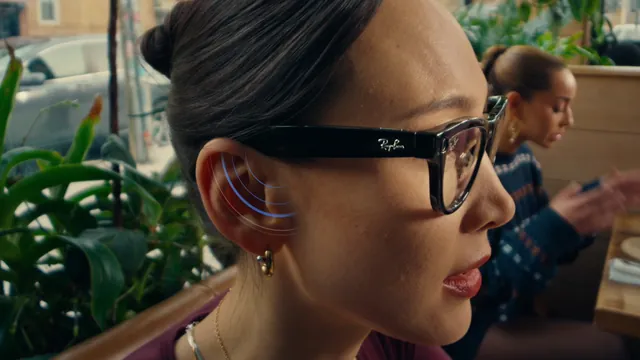
Say "Hey Meta", tap and hold the touchpad or, on Gen 3, press the action button to wake Meta AI. Here are the shortcuts, battery saver steps, photo import habits and privacy controls that go with them, with links to our detailed guides.
Meta Ray-Ban Display puts messaging, video calls, navigation, captions, music, Instagram and more on a small display in the right lens. Here is every app and feature Meta documents as of Oct. 26, 2026, what each needs and what's still coming.
Ray-Ban Meta glasses can share their camera view on WhatsApp, Messenger and Instagram video calls. Here is how to start, switch between the glasses and your phone camera, answer by voice and what the other person sees.
In the pages we read, Meta documents one way to look for lost Ray-Ban Meta glasses: Find device, which shows where the Meta AI app last connected to them. Here is what to do first, where the serial number is for a police or insurance report, and what the warranty doesn't cover.
You need a Meta Account to use Ray-Ban Meta glasses, and you can create one with an email address. Here is what linking Facebook, Instagram or WhatsApp adds, how to unlink them and what the account stores.
Conversation focus amplifies the voice of the person you're facing in noisy places and is free in Meta's Early Access program. Hearing enhancement is FDA-cleared hearing aid software that Meta says reaches the US later this year for $149.99.
Meta lists music, calling, sharing, fitness and accessibility apps for its glasses, and a toolkit for third-party apps is rolling out. Here is what each one does and which glasses and countries it needs.
Nothing we read from TSA, the FAA or Ray-Ban bars Ray-Ban Meta glasses from a plane. The rules that apply cover batteries, personal electronics and filming at checkpoints.
Ray-Ban Meta glasses offer two kinds of visual help: live video calls with Be My Eyes volunteers and spoken descriptions from Meta AI. Here is how to set each up, where they work and what Meta and Be My Eyes say about limits.
Switching phones means importing your captures, unpairing the glasses from the old phone and pairing them again from the Meta AI app on the new one. Here is the order Meta's help pages point to, and when a factory reset is the way out.
Most of Ray-Ban Meta's privacy controls sit on one screen of the Meta AI app, and a few live elsewhere. Here is where each setting is, what it changes and how to delete recordings, photos and shared data, using Meta's own pages.
Ray-Ban Meta glasses use the same Meta AI app on iPhone and Android. Meta and Ray-Ban document only a handful of differences, from video formats to pairing steps. Here they are, along with what the two companies don't say, including how texts and iMessage are handled.
Hey Meta is a toggle in the Meta AI app, and the touchpad can start Meta AI without it. Here are the menu paths for the wake word, follow-up questions, Meta AI's voice and language, and the other settings that change how it answers.
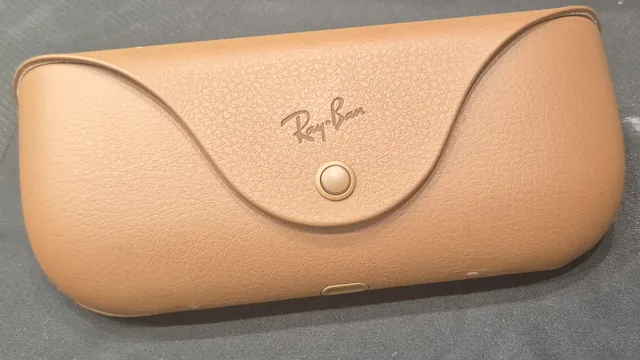
Meta's care guide comes down to a dampened cloth, mild soap and a dry finish. Here is how to apply it to the lenses, the camera lens, the charging contacts and the case, what to keep away from the glasses, and how to store and pack them.
Meta says only the first-generation Ray-Ban Meta can livestream, to Facebook or Instagram. Ray-Ban's FAQ has the steps, but we found no stream limit, audio detail or battery figure from either company.
Ray-Ban Meta glasses update through the Meta AI app, which tells you when one is ready. You can also check by hand, and Ray-Ban's FAQ lists six fixes for an update that fails.
Garmin's voice stats, status LED and autocapture need Garmin's Meta AI app and work only in the US for now. Strava overlays are a connection inside the Meta AI app. Here is how to set up both and which glasses each one supports.
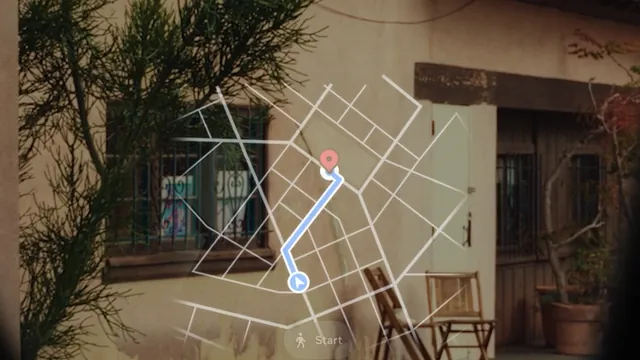
Meta Ray-Ban Display shows a map and turn-by-turn walking directions in the right lens. Meta says walking navigation covers every US city and international cities such as London, Paris and Rome, driving isn't supported, and cycling and transit directions are announced for the US and Canada.
Meta Ray-Ban Display can show speech as text in the right lens and translate conversations. You start both from the glasses menu, the Meta AI app or your voice, and Meta says translation covers 20 languages.
Ray-Ban Meta glasses need the free Meta AI app before they do much of anything. Here's what you need, how to pair them on iPhone or Android, what to set up next and how to fix a pairing that won't go through.
"Hey Meta" is only the start. Here's how to wake Meta AI on your Ray-Ban Meta glasses, ask about what you're looking at, and the commands for photos, calls, music, reminders and translation.
Your Ray-Ban Meta glasses can translate a conversation as it happens and read signs and menus for you. Here's how to start it, which languages work offline and which need a connection.
One press of the capture button takes a photo, and a long press starts a video. Here's how to do both by voice, how long clips can be, which quality settings to change and where the files end up.
Taps and swipes on the right arm control music, calls and Meta AI, and the capture button handles the camera. Here's what each gesture does, how the Gen 3 action button works and what you can change.
Can we count your visit?
With your permission, Google Analytics tells us how many people come and where from. How it works.