Smart Glasses · Guide
Ray-Ban Meta privacy settings: how to manage voice recordings, cloud media and data sharing
Most of Ray-Ban Meta's privacy controls sit on one screen of the Meta AI app, and a few live elsewhere. Here is where each setting is, what it changes and how to delete recordings, photos and shared data, using Meta's own pages.
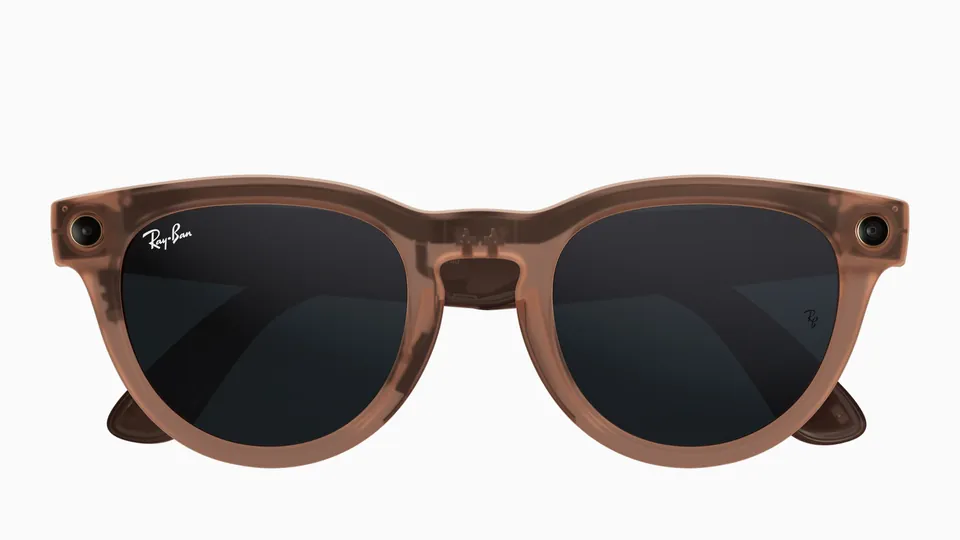
Part of our Ray-Ban Meta guide
Ray-Ban Meta's privacy controls live in the Meta AI app, and most of them sit on one screen called Glasses privacy. Tap Glasses in the top right, tap Device settings, then scroll down to Glasses privacy. If more than one pair is paired, swipe left or right to pick yours before you tap Device settings. Meta gives that path in its articles on data sharing and the voice activity log.
This guide is based on Meta's help center, its voice privacy notice and its release notes, as archived between March and Sept. 2026. Meta's own pages use different names for some of these screens, so labels may differ on your phone.
Voice recordings
Meta's voice privacy notice, effective July 22, 2025, says text transcripts and audio recordings of what you say to Meta AI "are stored by default to help improve Meta's products." Meta processes them with machine learning and trained reviewers, who hear recordings with the pitch changed. The notice counts anything you say with the wake word as a voice interaction, along with some commands said without it and "any background sound that happens when you are interacting with our voice services."
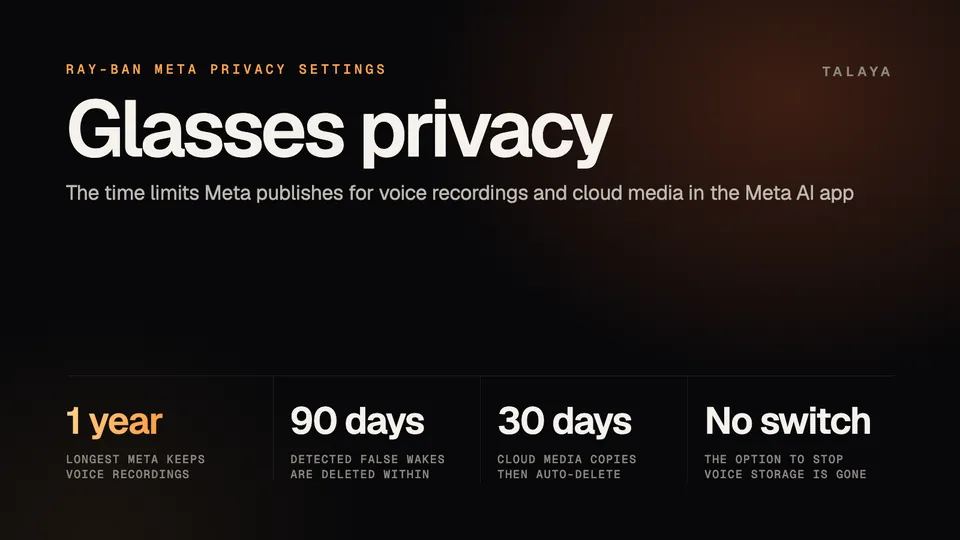
Meta keeps transcripts and recordings for up to one year. It also stores recordings of accidental activations, which it calls false wakes, and says it deletes the ones it detects within 90 days.
You can't turn storage off. Meta's app FAQ says: "The option to disable voice recordings storage is no longer available, but you can delete recordings anytime in Settings in the Meta AI mobile app." To open the log, tap Glasses, Device settings, Glasses privacy, then Voice activity log. According to the notice, deleting a recording and its transcript also deletes the data tied to that interaction, and deleted recordings are no longer used to improve Meta's products. Meta's help article explains how to open the log, and neither it nor the notice lists the delete taps.
To keep a copy first, use Meta's Download Your Information tool, which the help article says can download stored transcripts, audio recordings and related data, such as your glasses' serial number. You can reach it from the app or on the web.
Camera use by Meta AI
Meta ties Meta AI's use of the camera to the wake word. Its app FAQ says "Meta AI with camera use is already set up," that for requests like asking about what you see "an image may be captured to help provide a response," and that disabling "Hey Meta" deactivates the feature. To switch the wake word off, go to Glasses, Device settings, Meta AI, then "Hey Meta" preferences. Our Hey Meta settings guide walks through it.
When you ask about your surroundings, the glasses send a photo to Meta's cloud to be processed with AI, and Meta AI answers out loud. You can review your request, the image and the answer by tapping Menu in the top left of the app and scrolling down to Chats, according to Meta. Those conversations aren't public unless you share them to the Discover feed. In a live AI session the camera and microphone stay on until you pause or stop, as our Meta AI guide explains.
No setting turns off the white capture light on the front of the frame, which Meta says has no off switch. Our recording light guide covers how it works.
Auto-import, cloud media and storage
Photos and videos stay on the glasses until you import them, and Meta says that after an import they are removed from the glasses and saved to your phone's photos app. Meta's POV guide says most Android (13+) and iOS phones have auto-import on by default. To turn it off, tap Glasses, Device settings, scroll down to Media and switch off Auto-import media, the path Meta gives in its Android notification article. Every capture then has to be imported by hand, and our import guide has the steps. While media transfers, the app keeps a temporary copy in a cache that clears itself shortly after. To clear it yourself, go to Device settings, tap Media, tap Clear cache and confirm.
Cloud media is a separate switch. Meta's article says some features, such as sharing by voice ("Hey Meta, send a photo"), may need your photos and videos sent to its cloud for processing and temporary storage, and that the copies are deleted automatically after 30 days. Ray-Ban's FAQ adds that the setting also gives higher-quality photos and videos, montages and suggested picks. To turn it off, go to Glasses privacy and tap the toggle next to Cloud media. Meta doesn't list which features stop working when it is off.
Data sharing and location
Meta splits device data in two. Essential Data, such as Bluetooth and Wi-Fi status, battery condition and errors or crashes, is used automatically to keep the glasses working and safe. Additional Data is information about how you use the glasses, which Meta uses mainly to develop and improve products and features. You choose whether to share it during setup and can change the choice any time in Glasses privacy. The choice applies to every device paired with the app and doesn't include your photos and videos.
Location is controlled in your phone's settings. Meta's location article says the permission lets the app connect to the glasses over Wi-Fi for media import and updates on certain Android versions and iOS devices, and that location data from navigation "isn't associated with your Meta account." Weather and other location questions need location set to "always allow" for the app, Meta says. Meta's release notes from Dec. 16, 2025 also describe a Find device option, under Device settings and Privacy & security, that shows on a map where the app last connected to your devices.
The June 26, 2024 release notes describe an Auto-lock contacts option on the Glasses privacy screen that asks for confirmation before the glasses call, message or share. They give the path in the old Meta View app, and the other Meta pages we read don't mention it, so check whether your app version still has it.
How to delete your data
| What | How to delete it |
|---|---|
| Voice recordings and transcripts | Delete them in the Meta AI app. Meta keeps them up to one year if you don't. |
| Imported photos and videos | Delete them in Gallery. Meta says that also removes them from the cloud and from your phone's photo app. |
| Cloud copies | Meta deletes them after 30 days. |
| Captures still on the glasses | Import and delete them, or factory reset the glasses, which permanently erases every capture. See our factory reset guide. |
| Meta AI memory (US and Canada) | Ask Meta AI what it remembers and tell it to forget. See our Meta AI guide. |
| Additional data | Meta's article covers turning sharing on or off. It doesn't say whether data already shared is deleted. |
Frequently asked questions
Can I stop Ray-Ban Meta from storing my voice recordings?
No. Meta says the option to disable voice recordings storage is no longer available, but you can delete recordings anytime in the Meta AI app. Its voice privacy notice says it keeps stored recordings and transcripts for up to one year unless you delete them sooner.
How do I delete my Ray-Ban Meta voice recordings?
In the Meta AI app, tap Glasses, Device settings, Glasses privacy and Voice activity log. Meta says you can delete stored recordings and transcripts in the app, and that deleting one also deletes the data tied to that interaction. To keep a copy first, use Meta's Download Your Information tool.
How do I turn off cloud processing on Ray-Ban Meta glasses?
Tap Glasses, Device settings and Glasses privacy in the Meta AI app, then switch off the toggle next to Cloud media. Meta says copies stored in the cloud are deleted automatically after 30 days, and that deleting a photo or video in Gallery also deletes it from the cloud.
Does Meta AI use my glasses' camera all the time?
Meta says Meta AI's camera use is tied to "Hey Meta," and that for requests like asking about what you see an image may be captured to help provide a response. In a live AI session, the camera and microphone stay on until you pause or stop.
Does turning off additional data stop Meta from collecting anything?
No. Meta says it automatically uses Essential Data, such as Bluetooth and Wi-Fi status, battery condition and errors, to keep the glasses working and safe. The additional data choice covers information about how you use the glasses and doesn't include your photos and videos.
Sources
- Meta Help Center: Control what information you share with Meta on your AI Glasses and Wrist Devices (archived copy of July 10, 2026)
- Meta Help Center: Manage your voice activity log for AI glasses (archived copy of June 16, 2026)
- Meta: AI Glasses Voice Privacy Notice (effective July 22, 2025; archived copy of Sept. 21, 2026)
- Meta Help Center: Meta View app is now the Meta AI mobile app (archived copy of June 12, 2026)
- Meta Help Center: Learn more about cloud media on AI glasses (archived copy of July 10, 2026)
- Meta Help Center: How media storage works with AI glasses and the Meta AI mobile app (archived copy of June 5, 2026)
- Meta Help Center: Ask Meta AI about what you see on AI glasses (archived copy of Sept. 21, 2026)
- Meta Help Center: How to dismiss a persistent notification for the Meta AI mobile app on Android (archived copy of June 18, 2026)
- Meta Help Center: Meta AI mobile app and location services on Android and iOS devices (archived copy of June 6, 2026)
- Meta Help Center: How to use Meta AI on AI glasses (archived copy of March 17, 2026)
- Meta Help Center: AI glasses release notes (archived copy of Sept. 21, 2026)
- Meta: Guide to shooting POV with AI glasses
- Ray-Ban: Ray-Ban Meta FAQ, India store (page as of Oct. 25, 2026)
Join the conversation
Questions, or something to add? Talk about it with other smart glasses owners in r/Talaya, our community on Reddit.