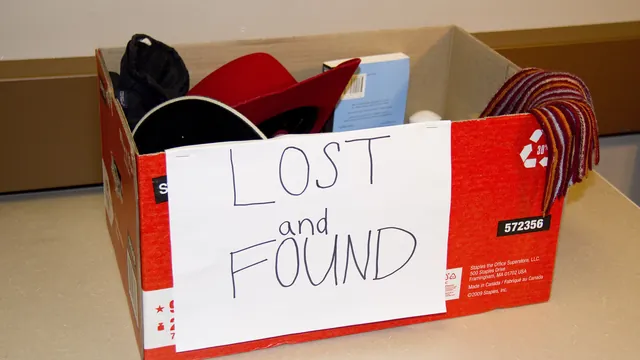
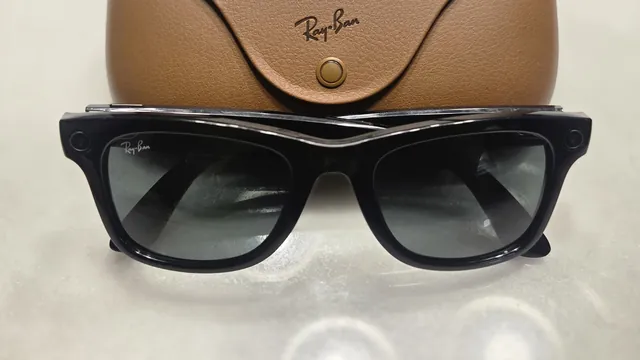
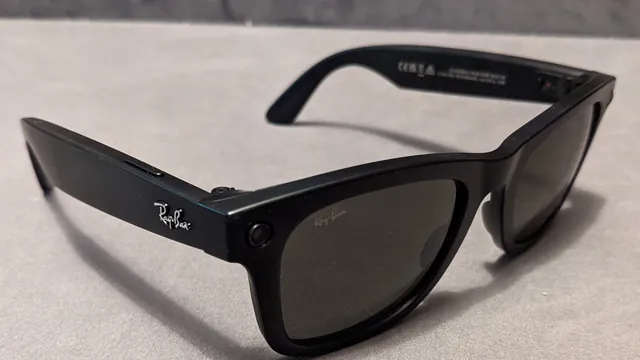
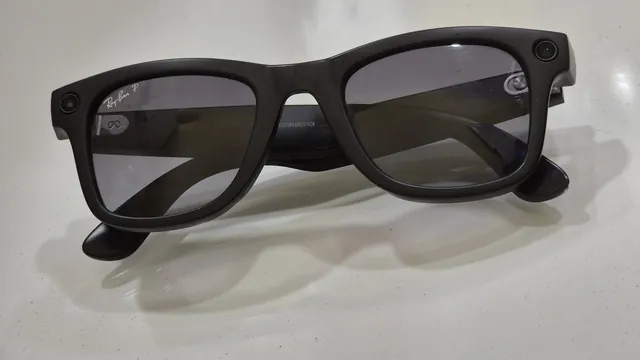
In the pages we read, Meta documents one way to look for lost Ray-Ban Meta glasses: Find device, which shows where the Meta AI app last connected to them. Here is what to do first, where the serial number is for a police or insurance report, and what the warranty doesn't cover.
Ray-Ban Meta glasses that slip, pinch behind the ears or press on the nose have a few documented fixes. Nose pads can be adjusted or swapped, temple tips are for an optician, and a different size may be the better answer.
Ray-Ban Meta glasses update through the Meta AI app, which tells you when one is ready. You can also check by hand, and Ray-Ban's FAQ lists six fixes for an update that fails.
Who answers your support request depends on who made the glasses. Meta supports Meta Ray-Ban Display and the Neural Band, Ray-Ban handles Ray-Ban Meta and Oakley handles Oakley Meta. Here is where to start and what to have ready.
Ray-Ban's FAQ and Meta's help center describe fixes for Meta Ray-Ban Display that escalate from display settings and restarts to re-pairing and a factory reset. If they fail, contact Meta, not Ray-Ban.
When Meta Neural Band gestures stop registering, Ray-Ban's FAQ says to check fit and size first. If both are right, restart the band, re-pair it, clean it and, as a last step, factory reset it.
When the Meta AI app, formerly Meta View, won't sign in, crashes or can't find your glasses, the fixes start with the account, the phone's permissions and updates. Here are the steps from Meta, Oakley, Ray-Ban and Apple, lightest first.
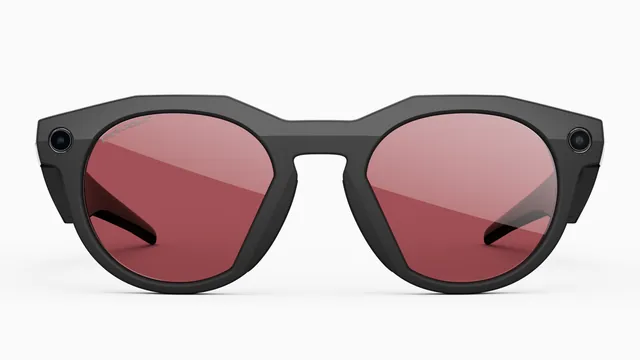
Oakley Meta HSTN and Vanguard charge only in their case, and Meta troubleshoots them as one group. Here are the fixes in order, what the case and glasses lights mean, how heat and cold matter and how to file an Oakley warranty claim.
Ray-Ban Meta glasses blink red four times before they shut down from heat or cold, and the case won't charge a pair that's too hot. Here is what Meta and Ray-Ban publish about temperature, what to do when it happens and what neither company has said.
Ray-Ban Meta glasses need the free Meta AI app before they do much of anything. Here's what you need, how to pair them on iPhone or Android, what to set up next and how to fix a pairing that won't go through.
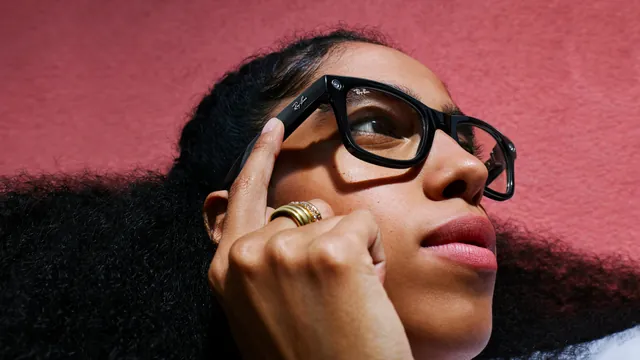
Taps and swipes on the right arm control music, calls and Meta AI, and the capture button handles the camera. Here's what each gesture does, how the Gen 3 action button works and what you can change.
The power switch is on the left arm, and a small light inside the frame tells you what the glasses are doing. Here's how to turn them on and off, what each color means and how to restart a pair that won't respond.
Everything you shoot stays on your Ray-Ban Meta glasses until the Meta AI app moves it to your phone. Here's how auto-import and manual import work, where the files end up and what to do when an import won't start.
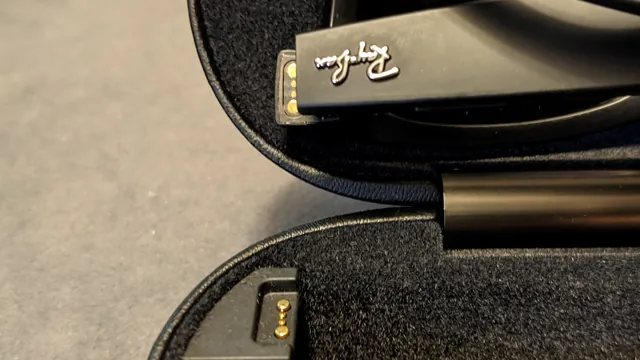
When Ray-Ban Meta glasses or their case stop charging, Meta says the cause is usually dirty contacts, heat or a charger the case won't accept. Here's how to find which one it is and fix it, from the quickest check to a case reset.
A factory reset wipes the photos and videos stored on Ray-Ban Meta glasses and means pairing them again from scratch. Here are Meta's steps for the glasses and the case, what to try first and what to do afterward.
Most dropped connections between Ray-Ban Meta glasses and a phone come down to Bluetooth range and interference. Here are Meta's fixes in order, from moving your phone to a factory reset.
When Ray-Ban Meta glasses won't turn on, Meta's first suspect is charging. Here's how to check the case, get a real charge into the glasses and force a restart, in the order Meta suggests.
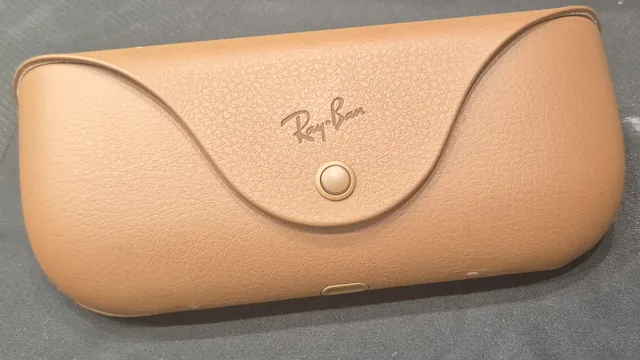
The small LED on the front of the Ray-Ban Meta charging case reports on two batteries and also signals pairing and errors. Here's what green, orange, red, blue and white mean, and what to do about each.
Ray-Ban Meta glasses have two lights: one inside the frame that reports to you, and one on the front that tells people nearby when you're taking a photo or video. Here's what every color and pattern means.
Ray-Ban Meta glasses signal pairing mode with a blue light on the charging case. If it never shows up, the cause is usually charge, timing or an old pairing. Here are Meta's fixes, in order.
When Ray-Ban Meta glasses ignore "Hey Meta," Meta says the usual cause is a voice setting or the microphones in use, and battery saver pauses the wake word entirely. Here are the fixes in order.
If people can't hear you on calls, Meta AI keeps mishearing you or music won't play through your Ray-Ban Meta glasses, the fix depends on which direction the sound is failing. Here are Meta's steps for both.
Can we count your visit?
With your permission, Google Analytics tells us how many people come and where from. How it works.