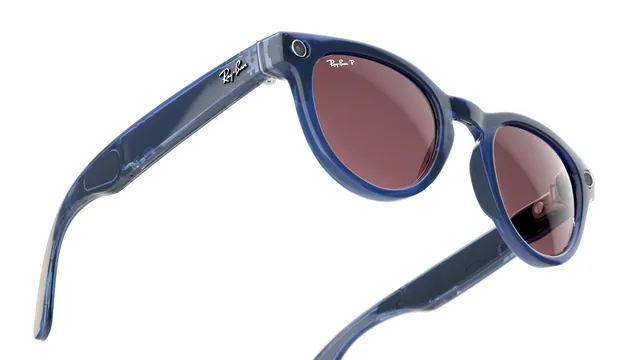
Smart Glasses · Guide
Ray-Ban Meta overheating: what the heat warnings mean and what to do
Ray-Ban Meta glasses blink red four times before they shut down from heat or cold, and the case won't charge a pair that's too hot. Here is what Meta and Ray-Ban publish about temperature, what to do when it happens and what neither company has said.
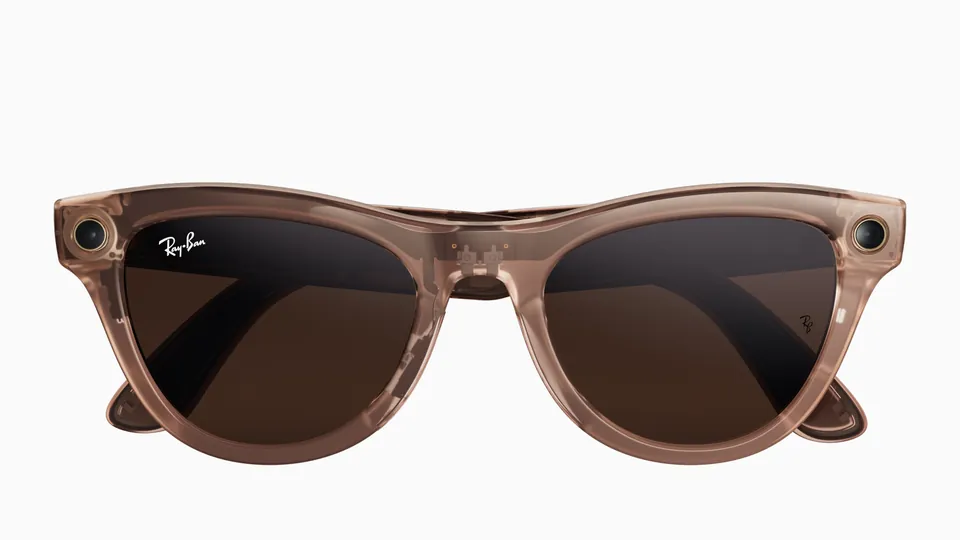
Part of our Ray-Ban Meta guide
When Ray-Ban Meta glasses get too hot or too cold, they shut themselves down, and the notification light inside the frame blinks red four times just before they do, according to Ray-Ban's FAQ. The charging case can also refuse to charge a pair that's too hot. What neither Meta nor Ray-Ban publishes is the temperature at which any of this happens, or which features warm the frame, so this guide sticks to what they do say.
This guide is based on Meta's help center, Ray-Ban's safety guide (2023 edition) and Ray-Ban's FAQs.
What the glasses and case do when it's too hot
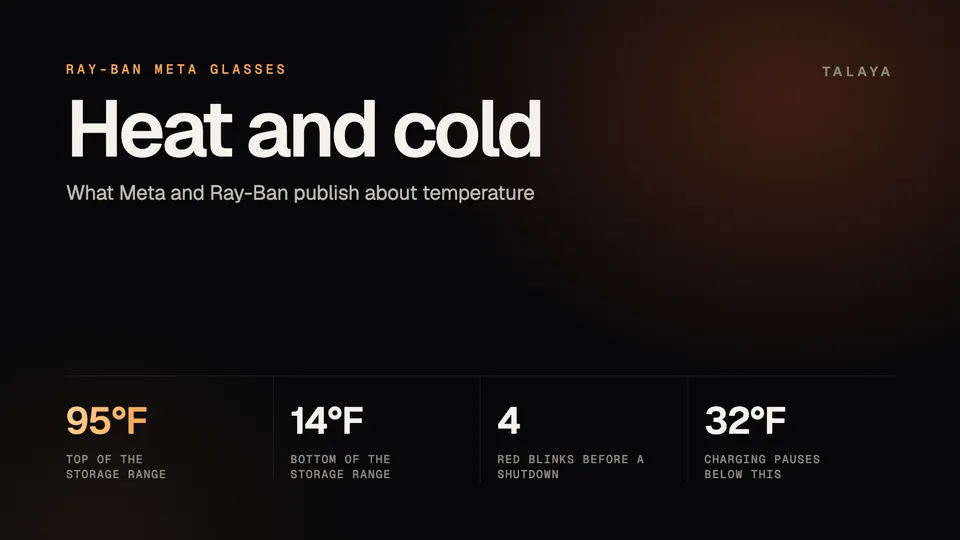
The first sign is the notification light, the one inside the frame that faces you. Four red blinks mean the glasses are about to switch themselves off, and Ray-Ban's US FAQ gives three reasons: the battery ran out, they got too hot, or they got too cold. Check the charge first, because a flat battery gives the same signal. Our LED guide explains the other colors.
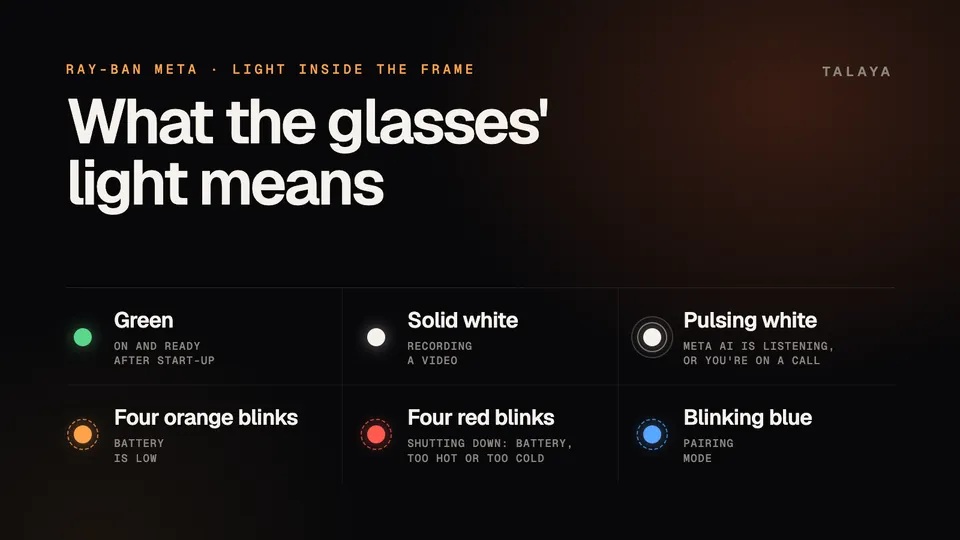
The second sign is on the case. A red light when you dock the glasses is a charging error, and Meta lists high temperature as one cause, next to liquid on the contacts and an incompatible charger. Ray-Ban's FAQ says that if the glasses or case are too hot, you should move out of the sun to cooler conditions so charging can start.
Ray-Ban's safety guide sets the baseline. The glasses "shouldn't overheat or cause thermal discomfort during normal use," it says, and if they do, you should stop using them immediately and contact support.
What makes them warm
Neither company says which activities warm the glasses, whether that's long video, livestreaming, Live AI or charging. Ray-Ban's FAQ calls video recording "a power heavy use case," and Meta says the camera and microphone stay continuously active during a Live AI session. Those lines are about power use, and none of them ties it to heat. Meta's battery article says only that battery life is "influenced by device settings, usage patterns and environmental conditions."
Outside heat is better documented. The safety guide says not to leave the glasses in a car in direct sunlight or expose them to excessive heat, to keep them away from fire and heat sources, and not to heat or bend the frame or temples, including for fitting. For storage, it says to keep them in their case or pouch in a dry place between -10°C and 35°C (14°F to 95°F).
If the glasses shut down from heat
- Take them off and get out of the sun. Ray-Ban's FAQ also says not to hold the glasses under running water, so let them cool in the shade or indoors.
- Check the battery. Four red blinks also mean a flat battery, and the case won't charge a pair that's too hot. Neither company says how long cooling takes, so dock the glasses once everything feels normal and read the case light.
- Switch them on again. Slide the power switch on the left arm toward the lenses. If they don't wake, follow our guide to glasses that won't turn on: check the case charge, clean the contacts, restart, then force restart.
- If the case light stays red after everything has cooled, work through our charging guide.
Cold weather
The four red blinks also cover a pair that's too cold. Meta's battery article gives a cold threshold: below 32°F (0°C), insulating the glasses, with a beanie, helmet or balaclava for example, can help maintain battery performance. Charging may take longer in the cold and pauses while the temperature is below 32°F. Meta also says turning off auto-import in cold weather could help save battery, and you can still import while the glasses charge in their case.
Ray-Ban's FAQ adds two limits. Video recording is blocked below a minimum charge, set to avoid a voltage drop that could damage the battery. The FAQ gives 10% at a battery temperature of 25°C (77°F) and 15% at 20°C (68°F), and says the thresholds are "much higher" at lower temperatures. That can explain a pair that has charge left but won't record in the cold. Software updates also need a minimum charge that varies with temperature, and the Meta AI app shows a warning if the glasses need more.
When it's a warranty matter
If a pair overheats in normal use, Ray-Ban's guide says to stop using it and contact support, and not to try to repair it yourself. Meta's warranty article says the manufacturer's warranty typically covers hardware malfunctions not caused by damage, battery issues and charging problems. It typically doesn't cover accidental damage, water damage, normal wear and tear or misuse. A pair that overheats in ordinary use, or keeps shutting down in mild weather, is worth raising with Ray-Ban.
Claims go through Ray-Ban's aftersales portal with the serial number and proof of purchase, and our warranty guide walks through the steps. The battery isn't user replaceable, so don't try to open the glasses.
Frequently asked questions
How hot is too hot for Ray-Ban Meta glasses?
Neither Meta nor Ray-Ban publishes the temperature at which the glasses warn you, stop charging or shut down. The only range in Ray-Ban's safety guide is for storage: -10°C to 35°C (14°F to 95°F).
Why did my Ray-Ban Meta glasses blink red four times and turn off?
Ray-Ban's FAQ says four red blinks mean the glasses are about to shut down because the battery ran out, they got too hot or they got too cold. Check the charge first, then see our guide to glasses that won't turn on.
Can I charge Ray-Ban Meta glasses when it's hot outside?
Not reliably. Meta says the case won't charge when it or the glasses are too hot, and Ray-Ban's FAQ says to move out of the sun to cooler conditions so charging can start. The safety guide also says not to leave the glasses in a car in direct sunlight.
Is it normal for Ray-Ban Meta glasses to feel warm?
Ray-Ban's safety guide says the glasses shouldn't overheat or cause thermal discomfort during normal use, and it doesn't say how warm is normal. If a pair does overheat, the guide says to stop using it immediately and contact support.
Do Oakley Meta glasses follow the same temperature rules?
Oakley's FAQ uses the same four-red-blink wording for a shutdown from battery, heat or cold, and Oakley's safety guides give the same storage range. Our Oakley Meta charging guide covers HSTN and Vanguard.
Sources
- Ray-Ban: Ray-Ban Meta safety and warranty guide (2023 edition)
- Ray-Ban: Ray-Ban Meta FAQ, India store
- Ray-Ban: Ray-Ban Meta FAQ, US (archived copy of Nov. 14, 2025)
- Meta Help Center: How to charge AI glasses (archived copy of June 18, 2026)
- Meta Help Center: Battery life on AI glasses (archived copy of June 8, 2026)
- Meta Help Center: How to use live AI on AI glasses (archived copy of June 9, 2026)
- Meta Help Center: How to file a warranty claim for AI glasses (archived copy of June 6, 2026)
- Oakley: Oakley Meta FAQ
Join the conversation
Questions, or something to add? Talk about it with other smart glasses owners in r/Talaya, our community on Reddit.