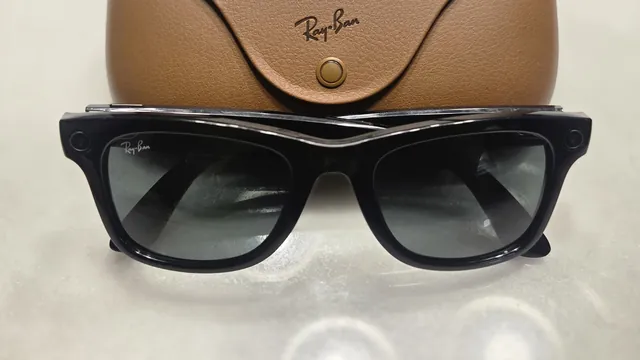
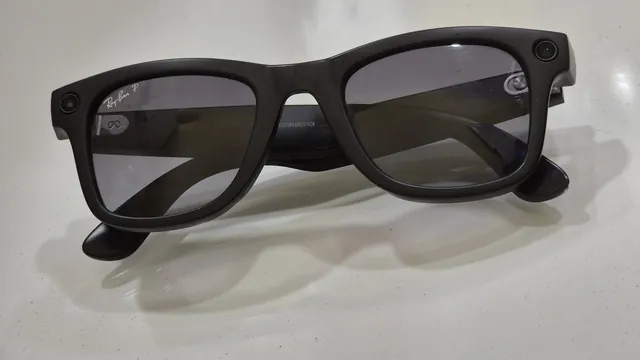
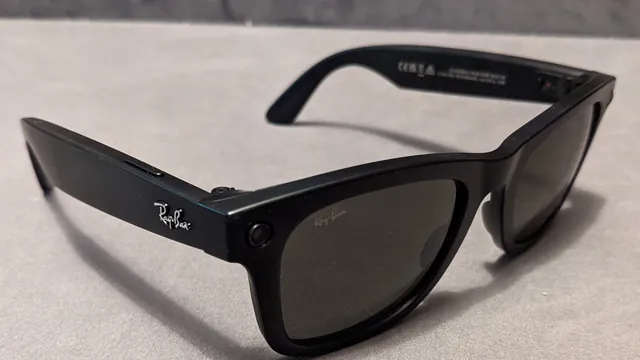
Ray-Ban Meta glasses need the free Meta AI app before they do much of anything. Here's what you need, how to pair them on iPhone or Android, what to set up next and how to fix a pairing that won't go through.
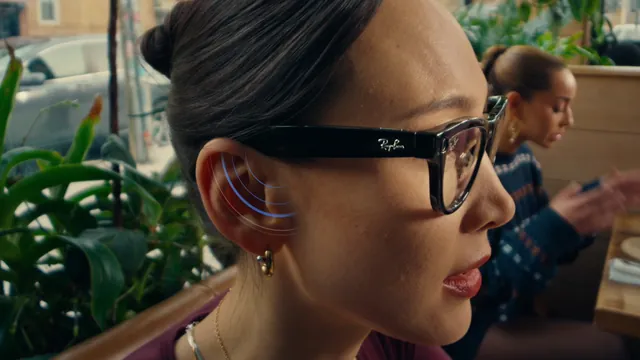
"Hey Meta" is only the start. Here's how to wake Meta AI on your Ray-Ban Meta glasses, ask about what you're looking at, and the commands for photos, calls, music, reminders and translation.
Your Ray-Ban Meta glasses can translate a conversation as it happens and read signs and menus for you. Here's how to start it, which languages work offline and which need a connection.
One press of the capture button takes a photo, and a long press starts a video. Here's how to do both by voice, how long clips can be, which quality settings to change and where the files end up.
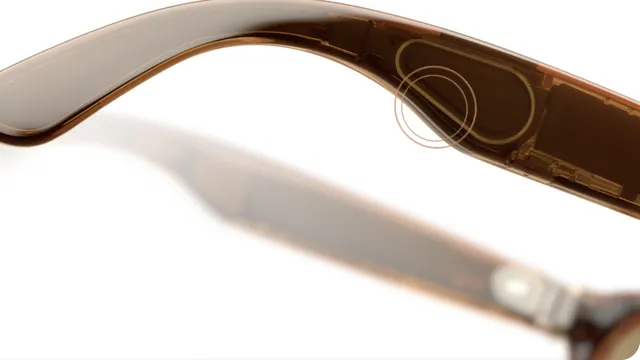
Taps and swipes on the right arm control music, calls and Meta AI, and the capture button handles the camera. Here's what each gesture does, how the Gen 3 action button works and what you can change.
The power switch is on the left arm, and a small light inside the frame tells you what the glasses are doing. Here's how to turn them on and off, what each color means and how to restart a pair that won't respond.
Everything you shoot stays on your Ray-Ban Meta glasses until the Meta AI app moves it to your phone. Here's how auto-import and manual import work, where the files end up and what to do when an import won't start.
Ray-Ban Meta glasses can place calls, dictate messages and send photos on WhatsApp, Messenger, Instagram and your phone's own calling and texting. Here's how to connect each one and what to say.
Ray-Ban Meta glasses work like open-ear headphones for anything on your phone, and a handful of services also work by voice. Here's which ones, how to connect them and how much the people around you will hear.
Over two days in September, Meta unveiled $1,299.99 VR Glasses, two new Ray-Ban models, cheaper Meta Glasses, hearing enhancement and plans to put its Muse agent on your face. A month later, here is everything it announced, what you can buy today and what is still to come.
Smart glasses are ordinary-looking frames with speakers, microphones and often a camera or a tiny display, linked to your phone and an AI assistant. Here's how the types differ, who makes them, what they cost and what to know before wearing a pair in public.
Meta AI is the assistant inside Ray-Ban Meta, Oakley Meta, Meta Glasses and Meta Ray-Ban Display. Here is what it does on each model, which languages and countries get which features, the privacy settings worth knowing, and what changes when Muse arrives.
There's no single best pair of smart glasses. The right one depends on whether you want a camera, a display, a big screen for movies or just audio. Here are the strongest options for each need, based on official specs and US prices.
Oakley Meta and Ray-Ban Meta run the same assistant and the same app. They differ in the frame: water resistance, lenses, microphones, prescription range and the fitness features only Vanguard has.
Meta Ray-Ban Display and Ray-Ban Meta Gen 3 are $350 apart. The Display adds a screen in the lens and a wristband to control it. Gen 3 has no screen, but it lasts longer, records sharper video and takes stronger prescriptions.
Smart glasses now come with no screen, a small screen you glance at, or a see-through display that places graphics in the room. Here's what separates AI glasses, display glasses, screen glasses and AR glasses, with real models and prices.
Most smart glasses can be made with prescription lenses, but the supported ranges, how you order and what it costs vary a lot. Here are the official options for every major model, from Ray-Ban Meta and Oakley Meta to Even Realities and XREAL inserts.
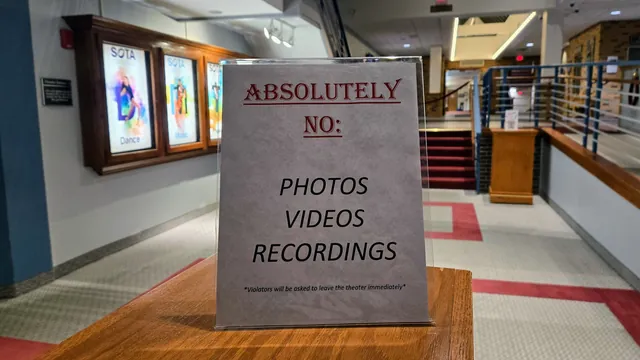
Taking photos in public is generally legal, but smart glasses also record sound, and that's where federal and state wiretap laws come in. Here's how consent rules work, where recording is off-limits and what employers and venues can ban.
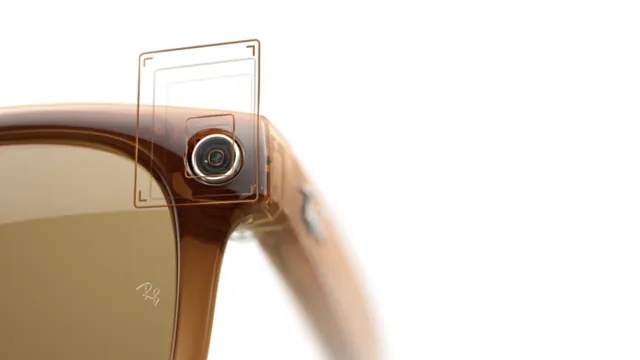
Camera glasses tell people nearby that they're recording with a small light on the frame. Here's what that light shows on Meta, Oakley and Snap glasses, when it stays dark, and why regulators in Europe and Australia say a light isn't enough.
Camera glasses look like ordinary frames, and their recording light is easy to miss. Here's how to tell when someone might be filming, what happens to the images, where the law protects you and what you can do if you'd rather not be recorded.
If you own Ray-Ban Meta, Oakley Meta, Meta Glasses or Meta Ray-Ban Display, the Meta AI app is how you set them up, import your photos and control what Meta stores. It used to be called Meta View. Here is what it does, where its settings live and what changed with the rename.
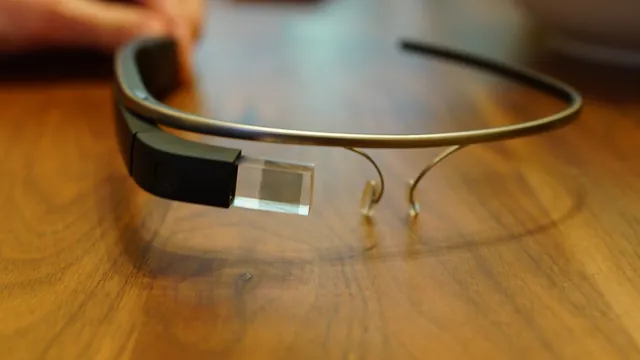
Smart glasses went from a $1,500 developer gadget that some bars banned to millions of Ray-Bans a year. Here are the launches that shaped the category, with dates, prices and sources, from Google Glass to Meta Ray-Ban Display and Snap Specs.
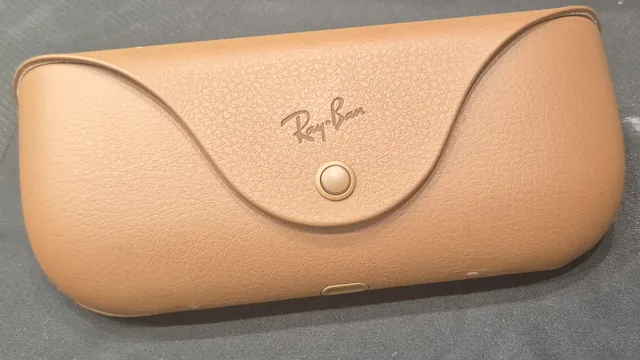
When Ray-Ban Meta glasses or their case stop charging, Meta says the cause is usually dirty contacts, heat or a charger the case won't accept. Here's how to find which one it is and fix it, from the quickest check to a case reset.
A factory reset wipes the photos and videos stored on Ray-Ban Meta glasses and means pairing them again from scratch. Here are Meta's steps for the glasses and the case, what to try first and what to do afterward.
Can we count your visit?
With your permission, Google Analytics tells us how many people come and where from. How it works.