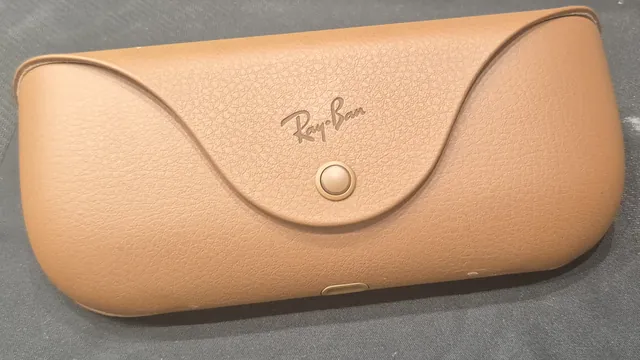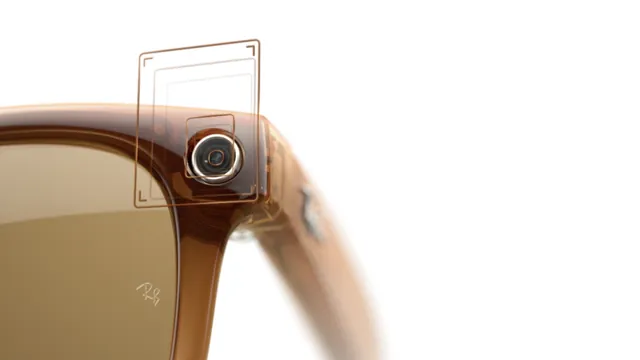
Meta says some Meta Glasses can get too warm when moisture gets inside
Meta has pushed version 130 to its Adventurer, Fury, Starfire, Nova and Capri glasses after a rare problem with sweat and moisture. Pairs that stay on older software will lose some features after Nov. 16.
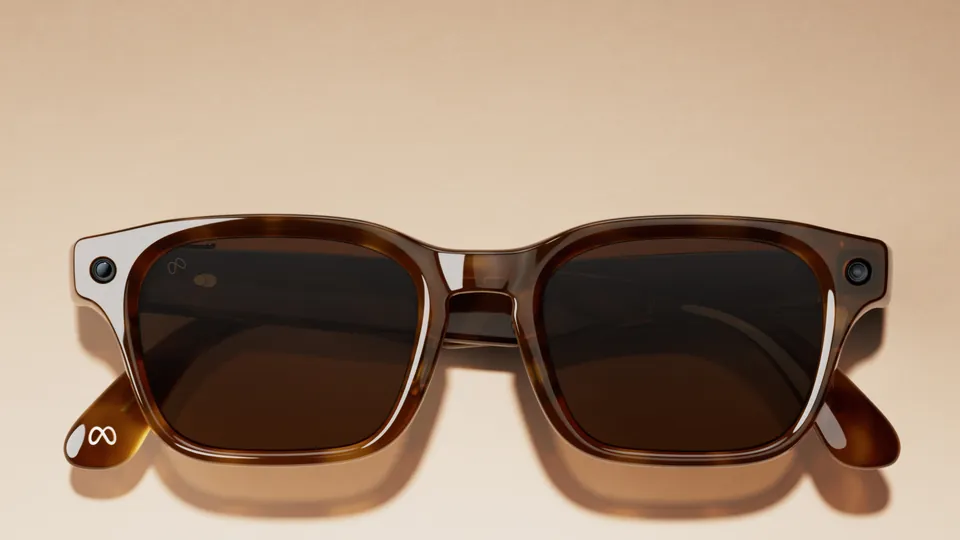
Meta is telling owners of its own-brand Meta Glasses to install a software update after a problem that can make some pairs too warm when sweat or water gets inside. "In rare cases, Meta Glasses may get too warm after excessive moisture or sweat enters the device," the company says in a help center article updated this week. The fix is software version 130, and Meta says it applies to five styles: Adventurer, Fury, Starfire, Nova and Capri.
The same article sets a deadline that the first reports on the issue left out. After Nov. 16, owners will have to be on version 130 or later, "or certain features will get blocked." Meta doesn't say which features.
Ray-Ban Meta and Oakley Meta glasses are outside this fix. Meta told 9to5Google and Engadget that the issue does not affect those lines.
What the update does
9to5Google describes version 130 as adding a software hook that shuts the glasses down if they get too warm. Once the update is installed, a pair that overheats plays an audio message saying it is too warm and shutting down, and a red LED flashes, according to Meta's help article. If the phone has the latest Meta AI app, a notification also explains that the glasses turned off as a precaution.
"We've implemented a software update to fix a rare issue that caused a small number of Meta Glasses to get too warm when moisture entered the device," a Meta spokesperson said in a statement given to both outlets. "It works similarly to a phone shutting off automatically when it needs to cool down. If people experience this, they can contact Meta Customer Service for a replacement."
9to5Google reported that Meta told it the temperature threshold for the shutdown is "quite low." Meta hasn't said how many pairs are affected or what lets moisture reach the electronics, Engadget reported.
Owners heard about the problem by email. 9to5Google says Meta wrote to Meta Glasses buyers under the line "Action required," calling version 130 "an important software update."
How to install version 130
Meta's help article lists these steps in the Meta AI app:
- Tap Glasses or Devices.
- Tap your glasses and select Device settings.
- If more than one pair is paired with the app, swipe left to pick your Adventurer, Starfire, Fury, Nova or Capri.
- If automatic updates are off, tap to update to version 130 or later.
Keep the glasses charged and connected to the phone until the update finishes. Engadget says the rollout is still in progress, so the update might take a day or so to show up.
If you're not sure which pair you own, the name appears in the app's device list. Our Meta Glasses guide explains how the line differs from Ray-Ban Meta. It also covers the Kylie Jenner Starfire, the LISA editions and the $249 Adventurer that went on sale Oct. 23.
Getting a replacement
Meta says an owner whose glasses shut down because of heat can contact Meta Store Support and ask for a replacement. Meta's spokesperson called the same team Meta Customer Service. Our customer support guide explains how to reach Meta Store Support and what to have ready, such as your order number.
Meta ties the replacement to the shutdown itself: the request comes after the audio message or the app notification. If your pair shuts down this way, save a screenshot of the notification before you get in touch.
Why sweat matters for a pair rated for light rain
Meta rates its AI glasses IPX4. Engadget quotes the company saying that rating "means your glasses are safe if you get caught in light rain while you wear them." IPX4 covers splashes, not submersion, as our waterproof rating explainer sets out. Engadget noted that the warning about "excessive moisture or sweat" suggests at least some Meta Glasses may not be as water resistant as they're supposed to be.
Until your pair is on version 130, follow Meta's general advice for wet glasses: take them off, wipe them completely dry and let the glasses and the case dry fully before you dock them.
Ray-Ban Meta owners who see heat warnings are dealing with something else, since this fix doesn't cover their glasses. Our Ray-Ban Meta overheating guide covers what those warnings mean, including the red charging light and the advice to keep the glasses out of a car in direct sunlight.
Sources
- Meta Help Center: Preventing your Meta Glasses from becoming too warm
- 9to5Google: Meta issues a high-priority update to prevent some glasses from getting too warm when wet (Nov. 10, 2026)
- Engadget: Meta warns some of its AI glasses may get too warm if they get wet (Nov. 10, 2026)
- Meta Help Center: what to do if your AI glasses get wet
- Talaya: Meta Glasses guide
- Talaya: Ray-Ban Meta overheating
- Talaya: Are Ray-Ban Meta glasses waterproof?
- Talaya: Meta glasses customer support
Join the conversation
Questions, or something to add? Talk about it with other smart glasses owners in r/Talaya, our community on Reddit.