Wearables · Guide
Apple Watch sleep apnea notifications: which watches, how to turn them on, and what they can't do
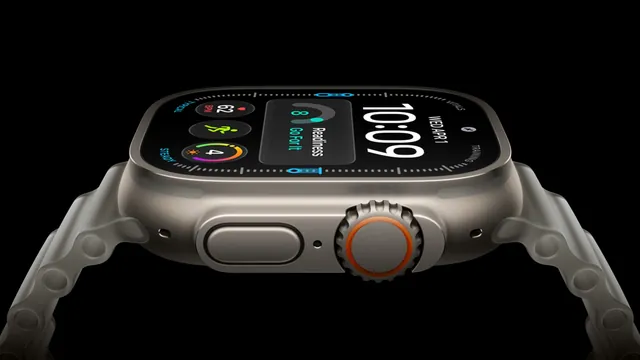
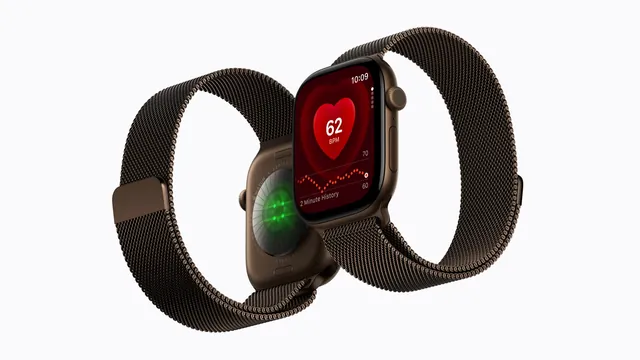
Apple Watch can notify you if its sleep data shows consistent signs of moderate to severe sleep apnea. It works on Series 9 or later, Ultra 2 or later and SE 3, and Apple says it is not a diagnosis.
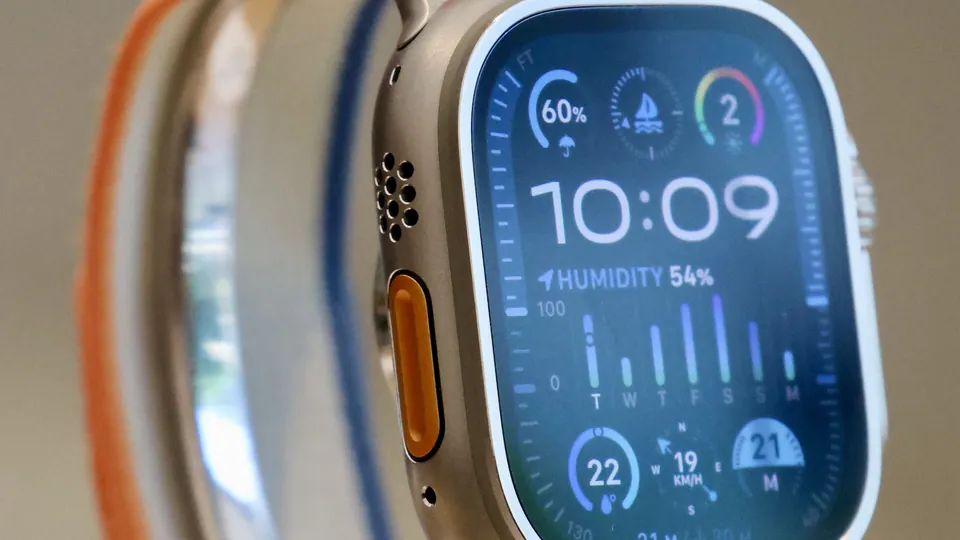
Part of our Apple Watch guide
Apple Watch sleep apnea notifications work on Apple Watch Series 9 or later, Ultra 2 or later and SE 3, as long as the watch runs the latest watchOS and the paired iPhone runs the latest iOS. The watch looks for breathing disturbances while you sleep and notifies you if they show consistent signs of moderate to severe sleep apnea. Apple is clear about the limit: it is not a diagnosis.
This guide is based on Apple's support pages and published specifications; we haven't tested the feature. Apple's support page is dated Sept. 14, 2026.
Which watches qualify
Apple's support page lists an Apple Watch Series 9 or later, Apple Watch Ultra 2 or later, and Apple Watch SE 3, with the latest version of watchOS. The iPhone must also be updated to the latest iOS.
Apple's Series 12 press release lists sleep apnea notifications among the watch's health features, and its footnote repeats the same model list. The Series 12 tech specs list the feature under Health and Wellness, next to the Sleep app, Sleep score and Hypertension notifications, with a footnote that again gives the same models.
Apple's watchOS feature availability page lists Sleep Apnea Notifications for the United States, along with Canada, the UK and Spain. That page is undated (we read it on Nov. 22, 2026), so check it again if you are buying around a specific date. The only Series 12 regional limit we found on it is for Hypertension Notifications, not for sleep apnea. Apple's press release also says not all features are available on all devices or in all regions.
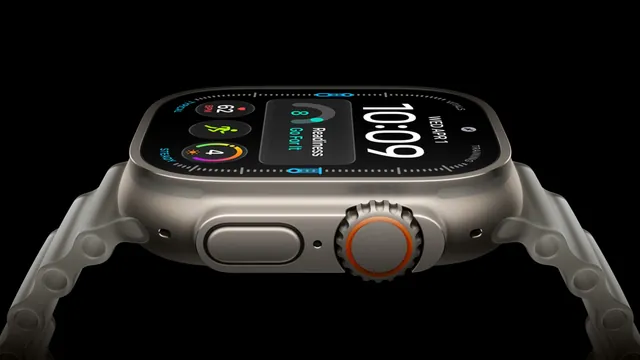
No Apple page we read names Ultra 4 for this feature. Apple's wording, "Ultra 2 or later", would cover it.
For the full lineup and prices, see our Apple Watch guide.
What you need before it can work
Apple lists these requirements:
- Sleep must be set up with Track Sleep with Apple Watch turned on.
- You must wear the watch to sleep for at least 10 nights over a 30-day period.
- Your data is analyzed every 30 days.
- You must be 18 or older and not diagnosed with sleep apnea.
Apple doesn't say what happens when you miss nights beyond the 10-night minimum, or whether Track Sleep must be on for the whole 30 days.
How to turn it on
- Open the Health app on your iPhone.
- Tap Browse, then Respiratory.
- Under Sleep Apnea Notifications, tap Set Up, then tap Next.
- Confirm your date of birth and whether you have ever been diagnosed with sleep apnea, then tap Continue.
- Follow the remaining prompts: Next, then Done.
Those are the English labels on Apple's support page. If your iPhone is set to another language, the wording will differ.
What the watch measures
Apple says the watch uses the accelerometer to look for breathing disturbances while you sleep. Each disturbance is categorized as Elevated or Not Elevated. If you consistently have Elevated disturbances over a 30-day evaluation period, the watch sends a notification.
Apple doesn't explain how it sets the line between Elevated and Not Elevated, or how many nights count as "consistently." It also publishes no accuracy figures for this feature on the pages we read, and none of them says the feature is FDA-cleared or authorized.
View your history and share a report
In the Health app, tap Browse, then Respiratory, then Sleep Apnea Notifications or Breathing Disturbances. You can view your breathing disturbances for the past month, 6 months or year.
If you receive a notification, you can share a detailed report with your healthcare provider. Scroll down and tap Export PDF. Apple's page mentions the PDF only in the context of a notification, so we can't say whether it is available without one.
Not the same as sleep score or Readiness
Sleep score and Readiness are separate features. Apple describes Readiness as a score that analyzes recent activity, training load, vitals and sleep score. A low sleep score or a "Recover" Readiness result is not a sleep apnea alert. The apnea feature looks for breathing disturbances during sleep and notifies you only after a 30-day evaluation period.
What it can't do
- It doesn't diagnose. Apple says the feature is not intended to diagnose, treat or aid in the management of sleep apnea.
- It misses people. Apple says not all people with sleep apnea receive a notification, so no notification doesn't mean you don't have it.
- It isn't for people already diagnosed. Apple says it is intended for people 18 or older who have not been diagnosed.
- A secondary iPhone can delay it. If you use an iPhone that isn't the one paired to the watch, Apple says notifications are delayed until your primary phone is unlocked and completes the analysis.
Apple's advice is to talk to your doctor if you have not been diagnosed and receive a notification, and also if you believe you have sleep apnea.
Related Apple Watch health alerts
Apple's other 30-day health alert is covered in our hypertension notifications guide, and the safety setup for falls is in our Fall Detection guide.
Samsung has a similar feature on its watches and ring. Our Galaxy Watch 9 vs Apple Watch Series 12 comparison notes that Samsung calls its feature FDA-cleared and that Apple's release doesn't state a clearance. For Samsung's version, see our Galaxy Ring sleep apnea detection update.
Frequently asked questions
Which Apple Watch models have sleep apnea notifications?
Apple lists Apple Watch Series 9 or later, Apple Watch Ultra 2 or later and Apple Watch SE 3, with the latest version of watchOS.
How many nights do I need to wear the watch?
Apple says you must wear your Apple Watch to sleep for a minimum of 10 nights over a 30-day period. The data is analyzed every 30 days.
Can I use it if I already have a sleep apnea diagnosis?
Apple says the feature is intended for people 18 or older who have not been diagnosed with sleep apnea.
Does a notification mean I have sleep apnea?
No. Apple says the feature is not intended to diagnose sleep apnea. If you receive a notification or believe you have sleep apnea, Apple advises talking to your doctor.
Is the feature the same as the sleep score or Readiness?
No. Sleep score and Readiness are separate features. Sleep apnea notifications look for breathing disturbances during sleep.
Sources
Join the conversation
Questions, or something to add? Talk about it with other smart glasses owners in r/Talaya, our community on Reddit.