AI · Guide
Gemini on Android XR: what Google's assistant can do on headsets and glasses
Gemini is built into Android XR, so it can see your apps and, if you allow it, your room. Here is what it does today on Samsung's Galaxy XR headset, how to control what it sees, and what Google says it will do on the audio glasses arriving this fall.
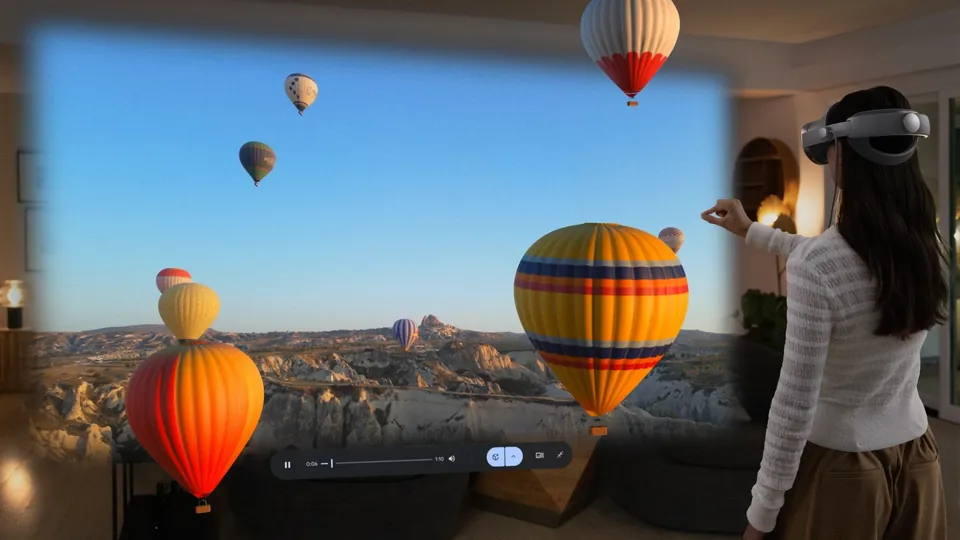
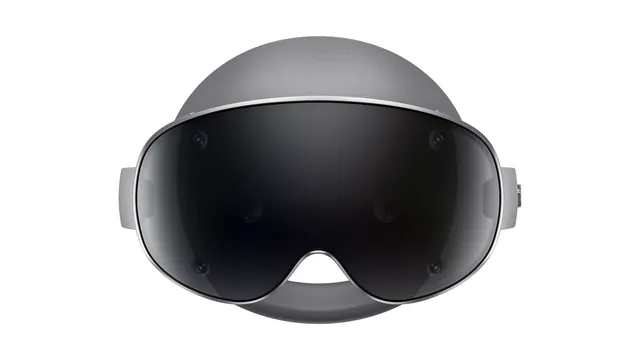
Gemini is built into Android XR at the system level. On a headset, it can see the apps and windows around you and, if you allow it, the room you're standing in. Today that experience lives on one device, Samsung's $1,799.99 Galaxy XR headset. Google says it reaches glasses this fall, starting with audio glasses made with Samsung, Gentle Monster and Warby Parker.
This guide is based on Google's Android XR help center, its announcements and Samsung's product information. We haven't tested Gemini on Android XR hardware.
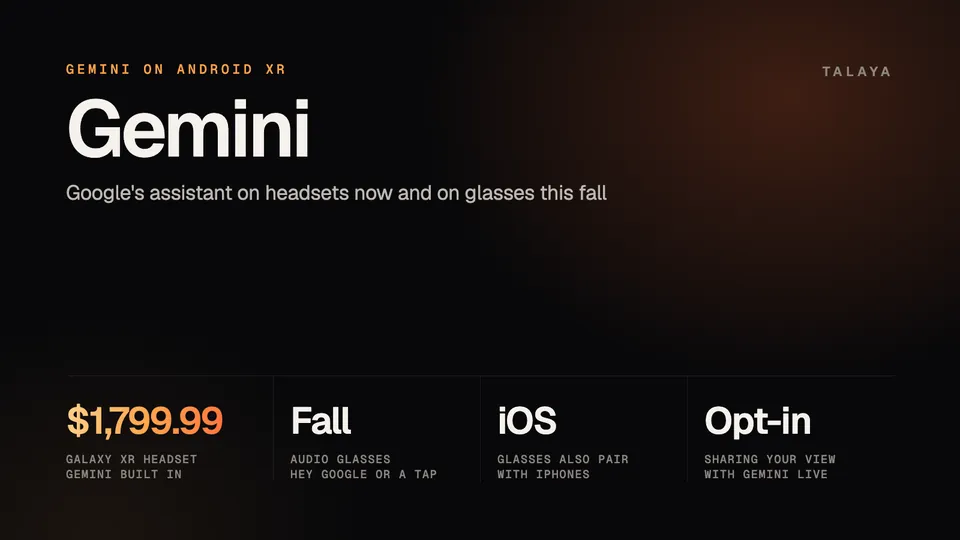
Gemini on Android XR at a glance
| Device type | Example | Status | How you call Gemini | Can Gemini see your surroundings? |
|---|---|---|---|---|
| Headset | Samsung Galaxy XR | On sale, $1,799.99 | "Hey Google," the Gemini app or the top button | Only with view sharing turned on |
| Wired XR glasses | XREAL Aura | Shipping soon, from $1,279 | Not detailed yet | Not detailed yet |
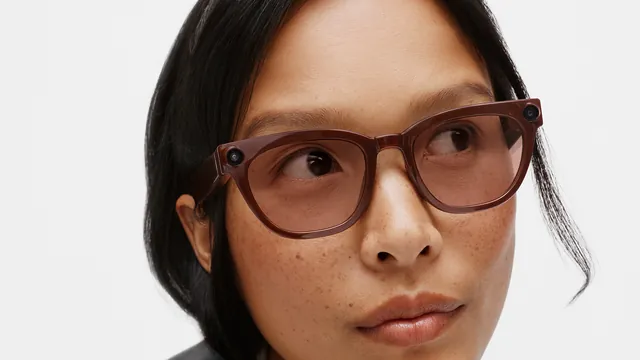
| Audio glasses | Samsung with Gentle Monster and Warby Parker | Due this fall | "Hey Google" or a tap on the frame | Yes, through the camera when you ask |
| Display glasses | None announced | No date | Not detailed yet | Not detailed yet |
How to start Gemini on a headset
On Galaxy XR, Google's help page lists three ways in:
- Say "Hey Google."
- Open Gemini from the Android XR Home screen.
- Press and hold the top button on the headset.
The first time, the headset walks you through setup. Gemini Live on Android XR works wherever the Gemini mobile app is available, and it requires a signed-in Google Account that you manage yourself, so an account run by an employer or a school may not work.
What Gemini can do on Galaxy XR
The main mode is Gemini Live, a spoken, back-and-forth conversation. Google's help page frames it around two things: asking questions to understand what's in your view, and working with Gemini across the apps and windows on your screen. Its examples include asking about a complex YouTube video, planning a trip while you explore Google Maps in Immersive View, and comparing information across tabs in Chrome.
Samsung's launch materials add more:
- Ask Gemini to guide you to a place on Google Maps, or for personalized suggestions nearby, while you explore 3D maps.
- Ask it to find something on YouTube and to tell you more about the video you're watching.
- Chat with it for coaching and tips while you play XR games.
Since December, Google has also pitched Gemini for PC games: with PC Connect, you can stream games from a Windows PC to the headset and ask Gemini for real-time tips, according to Google's December update.
Circle to Search sits next to Gemini. In passthrough mode, you draw a circle with your hand around something in front of you, physical or digital, and get search results about it.
What Gemini sees, and how to control it
By default, Gemini works with what's on your screens. Seeing your actual surroundings is a separate setting called view sharing, and you have to turn it on.
To share your view, open the Gemini app on the headset, select "Turn on view sharing" and follow the instructions. Select view sharing again to stop. When you share, Gemini gets your full view, and if your virtual environment is off, that includes your physical space. Google's own advice is to be careful with personal content like passwords, payment details or medications, and to ask people for permission before including them in your view.
You can also switch the feature off entirely in Gemini's settings on the headset by turning off "Enable view sharing in Live." If you later turn it back on, Gemini asks for your consent again. Google points to its Gemini Apps Privacy Hub and Gemini Apps Privacy Notice for how it handles Gemini Live data.
What Gemini will do on Android XR glasses
On glasses, the camera sits at eye level, so Gemini can see what you see without you holding up a phone. At Google I/O on May 19, Google laid out what its audio glasses will do. You'll say "Hey Google" or tap the side of the frame, then:
- Ask about what you see, such as reviews for a restaurant you're walking past, the name of a cloud formation or what a confusing parking sign means.
- Get natural turn-by-turn directions, since the glasses know where you're standing and which way you're facing. Gemini can also add stops or find restaurants that match your preferences.
- Manage calls, send texts and have Gemini summarize the messages you missed, or ask for music that fits your surroundings.
- Take photos and videos and edit them with Google's Nano Banana model, removing background distractions or transforming the image. Google's example is "Hey Google, take a picture and put everyone in funny hats."
- Hear real-time translations in audio that matches the tone and pitch of the speaker's voice, or look at a menu or a sign to hear it translated.
- Hand off multi-step tasks to what Google calls Gemini Intelligence, which works in the background. Google's example is preparing a DoorDash coffee order and leaving you only the final confirmation.
- Use your phone's apps by voice, such as ordering an Uber or practicing a language with Mondly.
Google says the glasses pair with both Android and iOS phones, and our Samsung smart glasses guide covers the hardware. Its Android XR page adds two more uses: remembering important details and hearing a summary of your messages without taking out your phone.
Display glasses, the second type of intelligent eyewear, will put some of that information in your line of sight. In December, Google described an in-lens display that privately shows things like turn-by-turn navigation or live translation captions. Google hasn't given them a date.
Google first showed Gemini on glasses at I/O in May 2025, when it demoed prototype glasses that messaged friends, made appointments, gave turn-by-turn directions, took photos and translated a conversation between two people in real time. It said at the time that Gemini on glasses would see and hear what you do and remember what's important to you, and that it was gathering feedback from trusted testers on privacy for both wearers and the people around them.
If you already use Gemini elsewhere, the glasses extend the same assistant. Gemini also answers to "Hey Google" on Wear OS watches and on Gemini-enabled headphones connected to a phone, according to Google's help pages for watches and headphones.
Gemini on wired XR glasses
Between headsets and everyday glasses sit wired XR glasses, and the first one runs Gemini too. XREAL Aura, which XREAL priced at $1,279 and $1,499 on Oct. 7, combines see-through glasses with a compute puck running Android XR, Google Play and Gemini. XREAL said the launch was "just weeks away," first in the US, Canada, Japan and South Korea. Our XREAL Aura guide has the full picture.
What Google hasn't said yet
Several things are still open. Google's Android XR page still lists the audio glasses as "Coming this fall," with no price. The I/O announcement didn't say which Gemini features will be available in which countries and languages at launch. And it described them as "a few of the features coming to audio glasses," so some may arrive after the hardware does.
How Gemini compares with Meta AI on glasses
The obvious comparison is Meta AI on Ray-Ban Meta and Oakley Meta glasses, which already does much of what Google is promising, from describing what you see to live translation. The difference is in the details: Google is leaning on Google Maps, Gemini's agent features and the apps on your phone, while Meta builds around WhatsApp, Instagram, Messenger and the Meta AI app. We compare them side by side, along with Siri, in Meta AI vs Gemini vs Siri on wearables, and our guide to Meta AI on smart glasses covers Meta's side in depth.
For developers
App makers can add Gemini to their own Android XR apps. Google's developer documentation points to Firebase AI Logic for calling Gemini models from native Android apps and Unity, and suggests the Gemini Live API with function calling to let people navigate an app by voice.
Frequently asked questions
How do you talk to Gemini on Android XR?
On the Galaxy XR headset, say "Hey Google," open the Gemini app from the Home screen, or press and hold the top button. On Android XR audio glasses, Google says you'll say "Hey Google" or tap the side of the frame.
Can Gemini see what I see on Galaxy XR?
Only if you turn on view sharing. When it's on, Gemini sees your full view, including your room if your virtual environment is off. You can turn it off in Gemini's settings on the headset.
Do Android XR glasses work with an iPhone?
Google says its audio glasses pair with both Android and iOS phones, and that Gemini can use apps on your phone, like Uber, by voice.
When can you buy Android XR glasses with Gemini?
Google says audio glasses made with Samsung, Gentle Monster and Warby Parker launch later this fall. XREAL Aura, wired glasses with Gemini, starts at $1,279 and is close to shipping. Display glasses don't have a date.
Where is Gemini Live on Android XR available?
Google says it works wherever the Gemini mobile app is available, with a signed-in Google Account that you manage yourself. Galaxy XR itself is sold in the US, South Korea and the UK.
Sources
- Android XR Help: Use Gemini Live on Android XR
- Google: Intelligent eyewear is coming this fall (May 19, 2026)
- Google: New features for Galaxy XR and a look at future devices (Dec. 8, 2025)
- Samsung: Introducing Galaxy XR, Opening New Worlds (Oct. 22, 2025)
- Android: Android XR
- Android Developers: Enhance your Android XR app with AI using Gemini API
- XREAL: XREAL AURA starts at $1,279 (Oct. 7, 2026)
- Google: A new look at how Android XR will bring Gemini to glasses and headsets (May 20, 2025)
- Samsung US: Galaxy XR store page
- Gemini Apps Help: Use Gemini on your smartwatch
- Gemini Apps Help: Use Gemini on your headphones
Join the conversation
Questions, or something to add? Talk about it with other smart glasses owners in r/Talaya, our community on Reddit.