Voice
Live conversation
A natural voice in real time. Talk to it like a person and cut in mid-sentence: it stops and listens.
“Actually, make it seven.”Looks out for you.
An intelligence that lives in your glasses. It hears you, sees with you when you ask, guides you, remembers for you and gets ahead of what's coming.
What it is
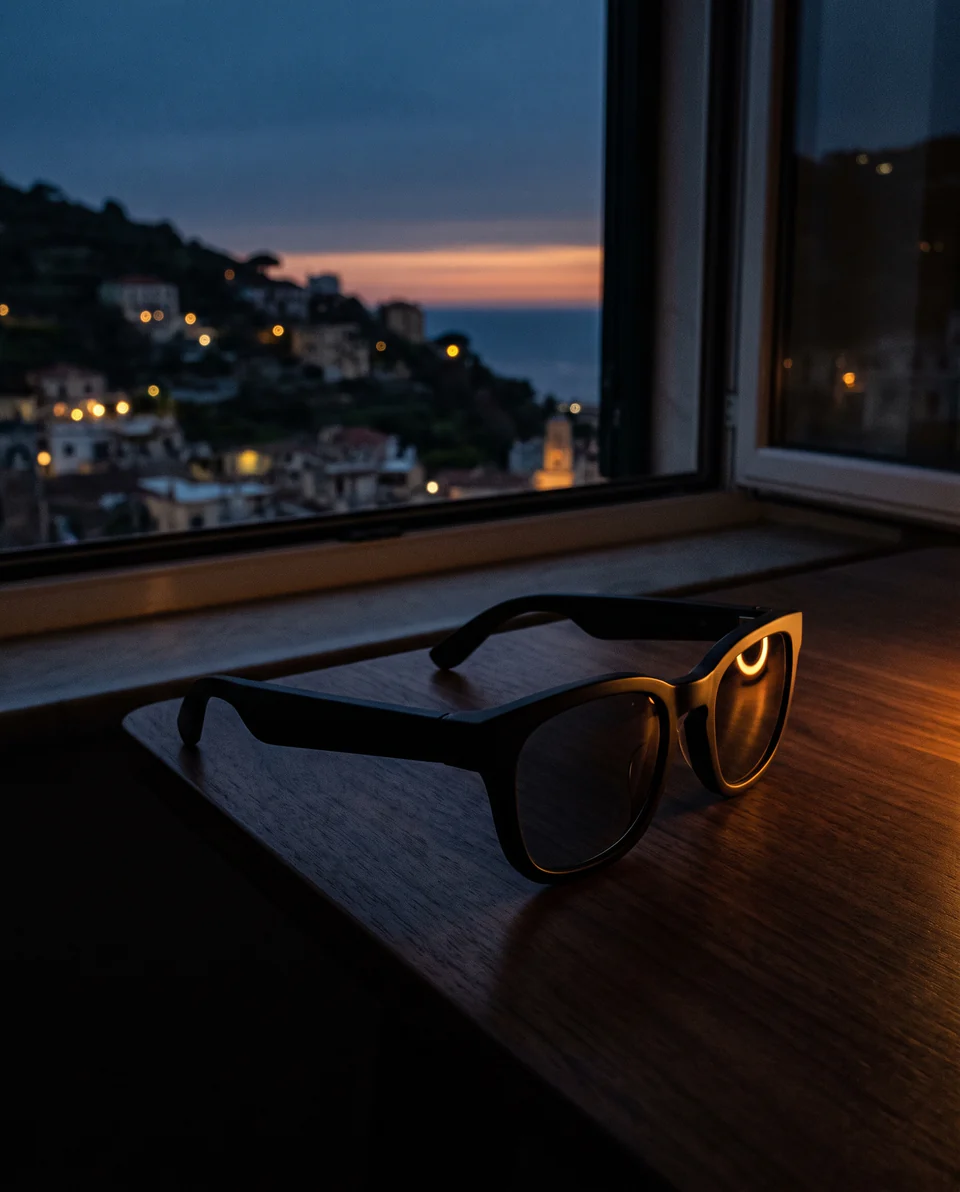
Talaya is an iPhone app that turns smart glasses into a real assistant. You talk to it the way you'd talk to a person: live, in a natural voice, without waiting your turn.
It looks through the glasses' camera when you ask. It walks you through the streets and rides along behind the wheel. It remembers what you tell it and speaks up before you need it.
And it goes by whatever name you like. The first time, it introduces itself, asks your name and lets you choose its name and its voice, listening to each one first.
Conversation
The conversation happens in real time. Interrupt it mid-sentence and it stops and listens, like anyone would.
It speaks more than eighty languages, with thirty voices to choose from.
Offline, it stays with you using a model that runs on the iPhone itself. It can do less, and it tells you so.
Sample conversation. You: Do I have time to stop by the pharmacy before the meeting? Talaya starts to answer: Yes. The meeting's at six and the pharmacy is four minutes away. If you leave now... And you cut in: Wait, what if I go afterwards? Talaya: That works too: it's open until eight.
What it does
No promises for next year. This is what the app does today.
Voice
A natural voice in real time. Talk to it like a person and cut in mid-sentence: it stops and listens.
“Actually, make it seven.”Camera
When you ask, it turns on the glasses' camera and tells you what's in front of you: a tree, a building, a label.
“What tree is this?”Guidance
Street by street and out loud, with the map on your watch. When you drive, it warns you about accidents, jams, roadworks and speed cameras, with live data.
“Take me to the station.”Memory
It keeps what you tell it. It reminds you of the meeting, tells you when to leave with the traffic right now and gives you a morning briefing. If you're busy, it waits.
“Where did I park?”Reading
A sign, a letter, a menu: it reads it through the camera, offline and in any language. Web pages and PDFs too. And it interprets both ways.
“What does this say?”Meetings
It records a meeting or a lecture and turns it into text on the iPhone itself, offline. Then it sums it up or pulls out the action items.
“What were the action items?”Plays, pauses and skips your music on Spotify or Apple Music, and tells you what's playing.
Turns on your Android TV or Google TV, opens apps and works as the remote.
Reads you Telegram and Gmail, and replies with what you dictate.
Heart rate, steps and sleep from the Health app, in one sentence.
Events, reminders, notes and timers, by voice.
Today's facts: news, opening hours, scores, prices.
Pharmacies, cafés or hardware stores close by, with their hours and whether they're open.
Maps, lists and traffic cameras on your watch, when seeing beats hearing.
Ask for something it can't do yet and it builds the skill, tests it and has it ready.
A model inside the iPhone for when there's no signal. Downloaded once.
Getting glasses to answer is easy. Getting them to understand you like a person, keep going when the signal drops and remember you tomorrow is not. Here's what's underneath.
Its own model
A model we trained runs inside the iPhone, follows the conversation and gives the AI a hint about what you want. In our tests, correctly understood requests go from 82% to 91%.
82% → 91%Offline
Lose coverage mid-conversation and it carries on inside the iPhone: hearing, thinking and voice, all on the phone. When a stable connection is back, it moves back to the cloud on its own.
Cloud → iPhone → cloudCareful
A message, a call or a deletion can't be undone. If its own model sees you meant something else, or were talking to someone else, it holds off and asks you.
Messages · calls · deletionsMemory
It keeps what you tell it, who's who in your family and what you left unfinished, and brings it up when it matters. It lives on your iPhone, and every memory can be corrected or forgotten.
“What do you know about me?”A mind
Between conversations it notes what's on its mind in a notebook and decides whether it's worth telling you. If you're busy, it waits. And you can read the notebook.
“What have you been thinking about?”Learns
It writes the skill it's missing, tests it against the real service and keeps it. Anyone can extend it with add-ons, too, without updating the app.
“Build yourself a skill for that.”Behind it all is one stubborn idea: talking to your glasses should feel like talking to someone.
How it works
With standby on, your glasses answer you without the phone ever leaving your pocket.
They hear, speak and see. Microphones, open-ear speakers and a camera, in the Ray-Ban Meta you already wear.
The brain. The app connects your voice to the AI and to your things: calendar, maps, music, messages.
Whatever is clearer to see shows up on your wrist: the live map, a list, a traffic camera.
Every gesture can be changed: photo and description, photo to your camera roll, read your new messages, ask your agent. Or call it by name: the wake word is optional, and you choose it.
The built-in features stay Meta's: “Hey Meta” and the capture button work as they always have.
Layers
It works the moment you install it. Every layer you add makes it a little more yours, and none of them is required.
Nothing to set up. Open it, it introduces itself, you pick its voice and its name, and it's already talking to you.
Connect Spotify, Telegram or Gmail. And with your own paid Gemini key, Google doesn't use your conversations to improve its products.
Your Apple Watch, your TV, your music, the health data your iPhone already keeps. What you have at home, by voice.
Your own server or your own agent to go further: your long-term memory, your tools, your home. Talaya hands it whatever it can't solve itself.
Any server that speaks the OpenAI API.
Skills built by others that install without updating the app. Before you install one, you see who made it and which permissions it asks for.
Browse add-onsPrivacy
No fine print: what leaves your phone, where it goes and when.
And there's no Talaya account to create. This site only counts visits if you say yes.
It goes to Google (Gemini) so the conversation can happen. Camera images only go when you ask.
If you connect your own agent, it syncs with that and with nobody else.
Health, calendar and contacts are read on the iPhone and only leave it inside a question you ask. It doesn't read your photo library: it only saves the photos you ask for.
On the free tier, Google may use content to improve its products. With your own paid key, it doesn't.
Telegram, Spotify and Gmail talk straight to their own services, with your account.
Pricing
Talaya is paid for by the people who use it, not by their data: no ads, no tracking, nothing of yours for sale. That's why it has a price. And that's why it never charges you by the minute.
Now
Free
$79once, forever
At launch
$5.99a month, or $49.99 a year
Planned launch prices on the App Store. Local prices and taxes vary by country, and they may change before launch; the founder price is locked for everyone who reserves it.
Invites go out first come, first served. The app arrives through TestFlight, Apple's way of testing apps before they launch. For the glasses' camera, Meta also sends you its own invite in the Meta AI app.
You'll need an iPhone and Ray-Ban Meta or Oakley Meta glasses. Apple Watch is optional.
Developers
An add-on is a JSON file with one or more skills: a no-code recipe, a JavaScript script or your own MCP server. It installs without updating the app, always with its permissions in plain sight.
"pasos": [
  { "http": { "url": "https://api.frankfurter.dev/v1/latest?amount={{cantidad}}&from={{de}}&to={{a}}" } },
  { "extraer": { "de": "$.rates.{{a}}", "como": "resultado" } },
  { "decir": "{{cantidad}} {{de}} is {{resultado}} {{a}} at today's rate." }
]
FAQ
An iPhone and Apple Watch app that turns Ray-Ban Meta glasses into an AI assistant: you talk to it live, it looks through the glasses' camera when you ask, guides you, remembers for you and speaks up before you need it. It's independent: not made by Meta or Ray-Ban.
Ray-Ban Meta and Oakley Meta. Voice goes over Bluetooth, like a pair of earbuds. The camera uses Meta's official developer kit, so it depends on Meta supporting your model.
No. Talaya is built from scratch for iPhone and Apple Watch, and that's where all the work goes.
For live conversation it uses Google's Gemini Live. It also carries its own model inside the iPhone that works out what you're asking for and keeps it going when there's no signal.
Yes. If you lose signal mid-conversation, it carries on inside the iPhone with fewer skills, and tells you so. When a stable connection is back, it moves back to the cloud on its own.
No, they live side by side. “Hey Meta” and the capture button work as always. Talaya answers taps on the temple while its standby mode is on and, if you like, a wake word you choose.
No. With standby on, one tap on the temple is enough, with the iPhone locked in your pocket.
The private beta is free. When it launches on the App Store it will cost $5.99 a month or $49.99 a year. Beta testers can reserve the founder price: $79 once, forever.
Sign up with the form on this page. Invites go out first come, first served: the app arrives through TestFlight and Meta sends you its invite for the camera. There are 100 spots.
The app has no accounts, no ads and no analytics. Your voice goes to Gemini so you can talk, the camera only when you ask, and what it remembers lives on your iPhone.

Talaya is coming soon to the App Store, for iPhone and Apple Watch. The private beta comes first.
Can we count your visit?
With your permission, Google Analytics tells us how many people come and where from. No ads, ever. How it works.